Update
Follow new updates and improvements to Flamel.
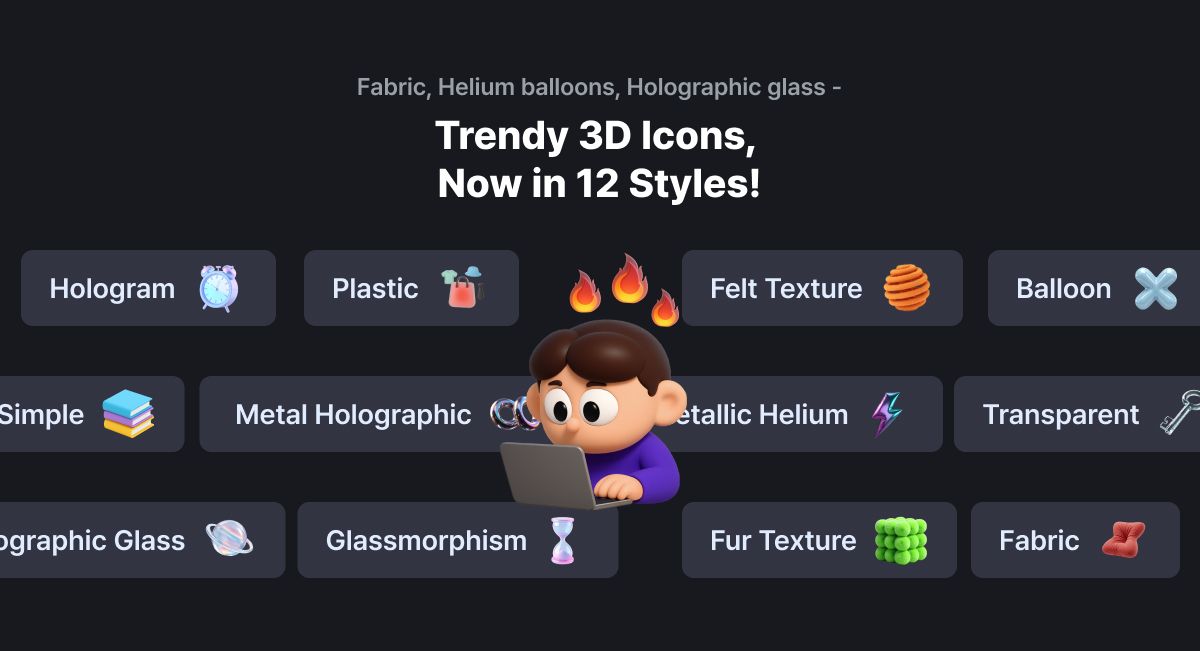
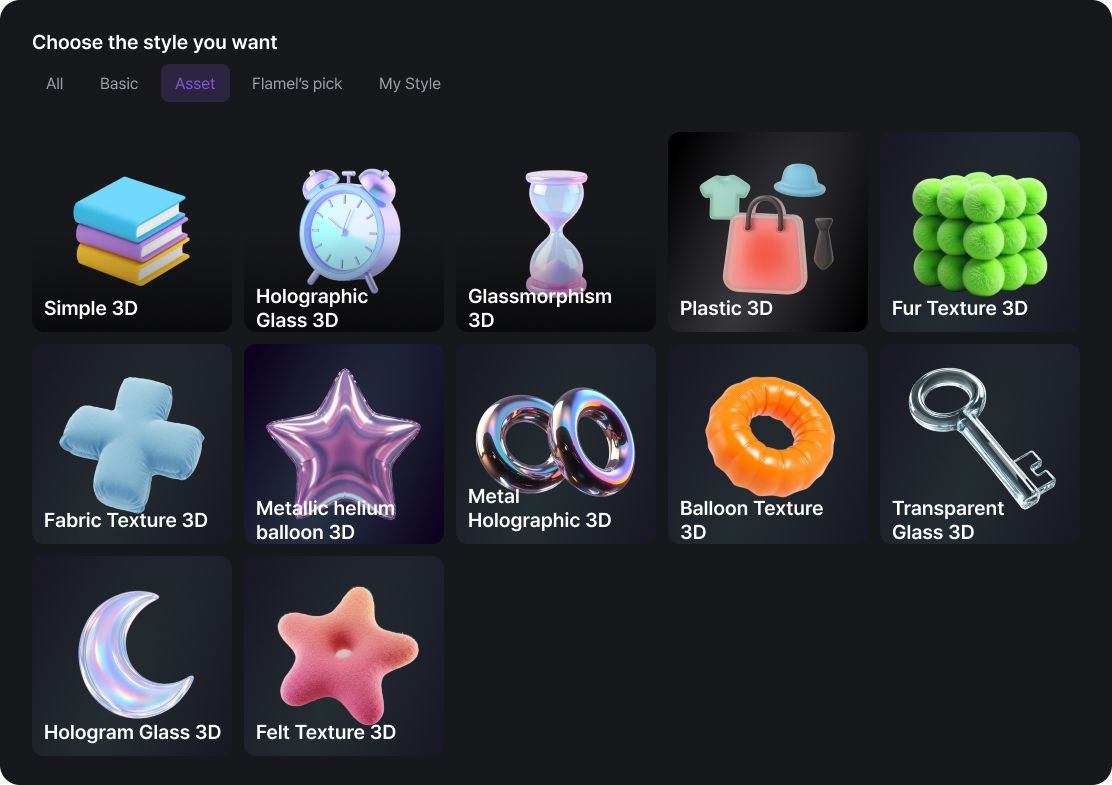
Flamel’s 3D icon styles have been expanded to 12 distinct styles and completely refreshed.
With a variety of trendy styles like fabric textures, helium balloons, holographic glass, and more, you can now instantly create eye-catching 3D images for SNS, blogs, ads, and any other projects.
Experience the new 3D styles on Flamel right now!
✅ How to Use
Click on the [Generate] menu
Under [Style] → [Asset], select the style you want
Enter a simple text prompt to generate! (Example: “Purple gift box with a white ribbon”)
Want to browse the images first?
Flamel is your go-to AI assistant for design with consistent tone and style—
but we’ve heard your feedback about inconsistent results 🥲
Since this is one of the most requested features from our users,
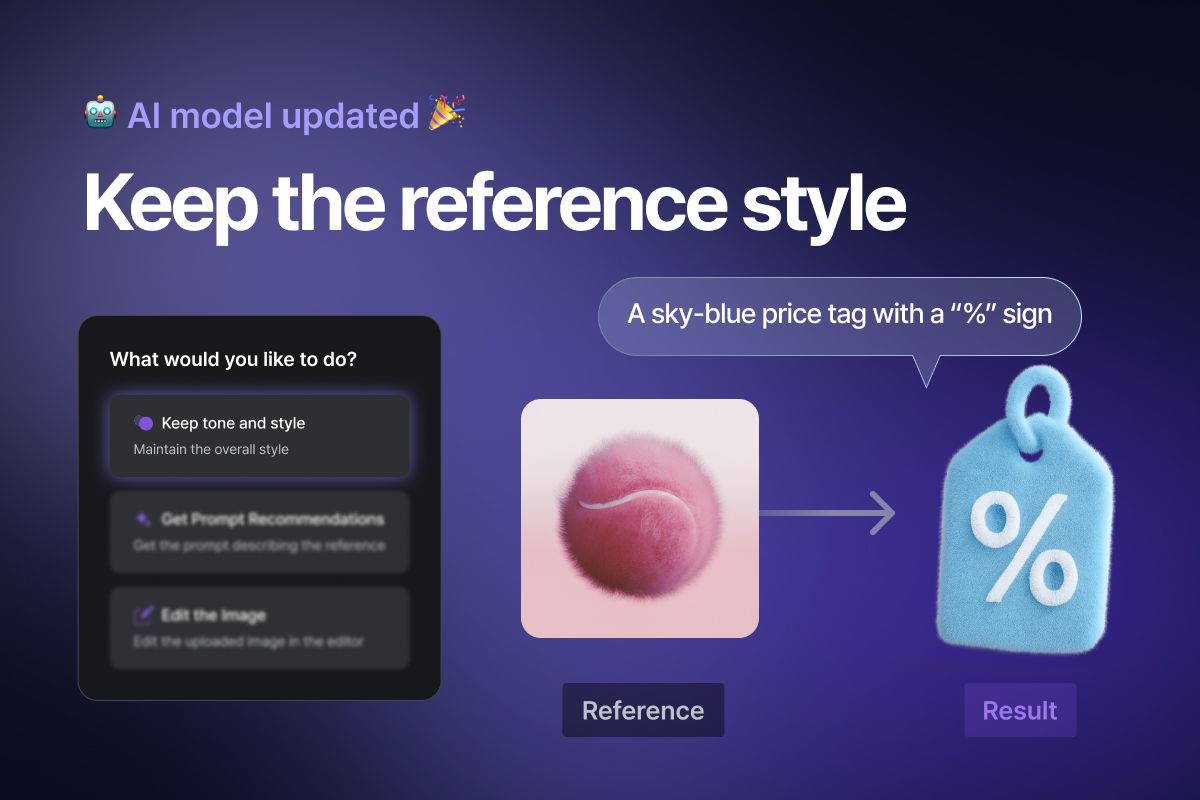
we've upgraded our style transfer model after extensive research 🎉
🧐 Curious how much better it is now? Let’s take a look.
1️⃣ It accurately reflects the style of your reference image
2️⃣ It works even without detailed descriptions
3️⃣ It keeps the original style, but lets you customize the color
4️⃣ It captures the character’s unique identity
Even without extra input, Flamel nails the reference style.
Try it now and see the difference for yourself!
Need a walkthrough? Check out the tutorial video 😉
Go to [Generate] page
Upload your reference image
Click [Keep tone and style]
Describe briefly what you want to generate with that style
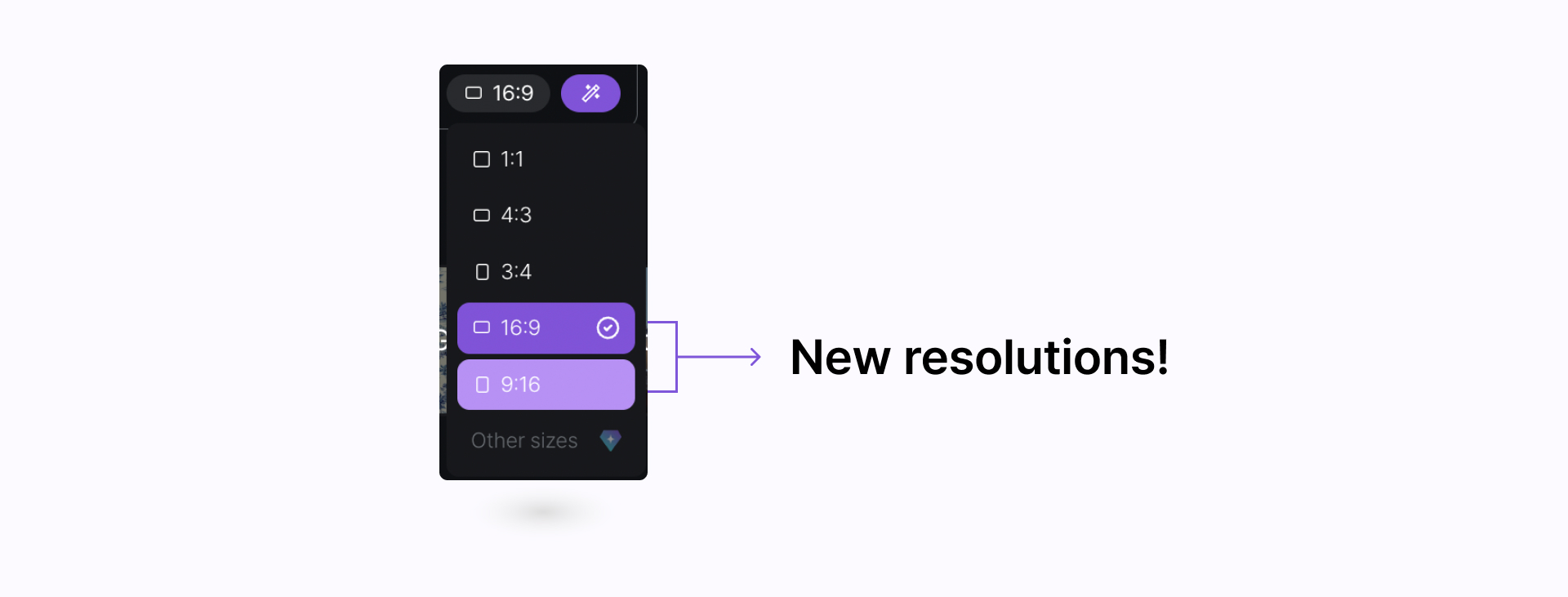
Along with the existing 1:1, 4:3, and 3:4 options, we’ve added 16:9 and 9:16.
Stay tuned—more flexible resolution settings are on the way :)